iPhone
Browser games may open in portrait or landscape depending on the page. If the layout looks cramped, rotate the phone and check that Portrait Orientation Lock is off in Control Centre.
Keep iOS updated so Safari has current security fixes.

Most P999 iOS searches come from iPhone owners who were sent an Android link. This guide explains what an iPhone can and cannot install, how browser access works, and which shortcuts put your device at risk.
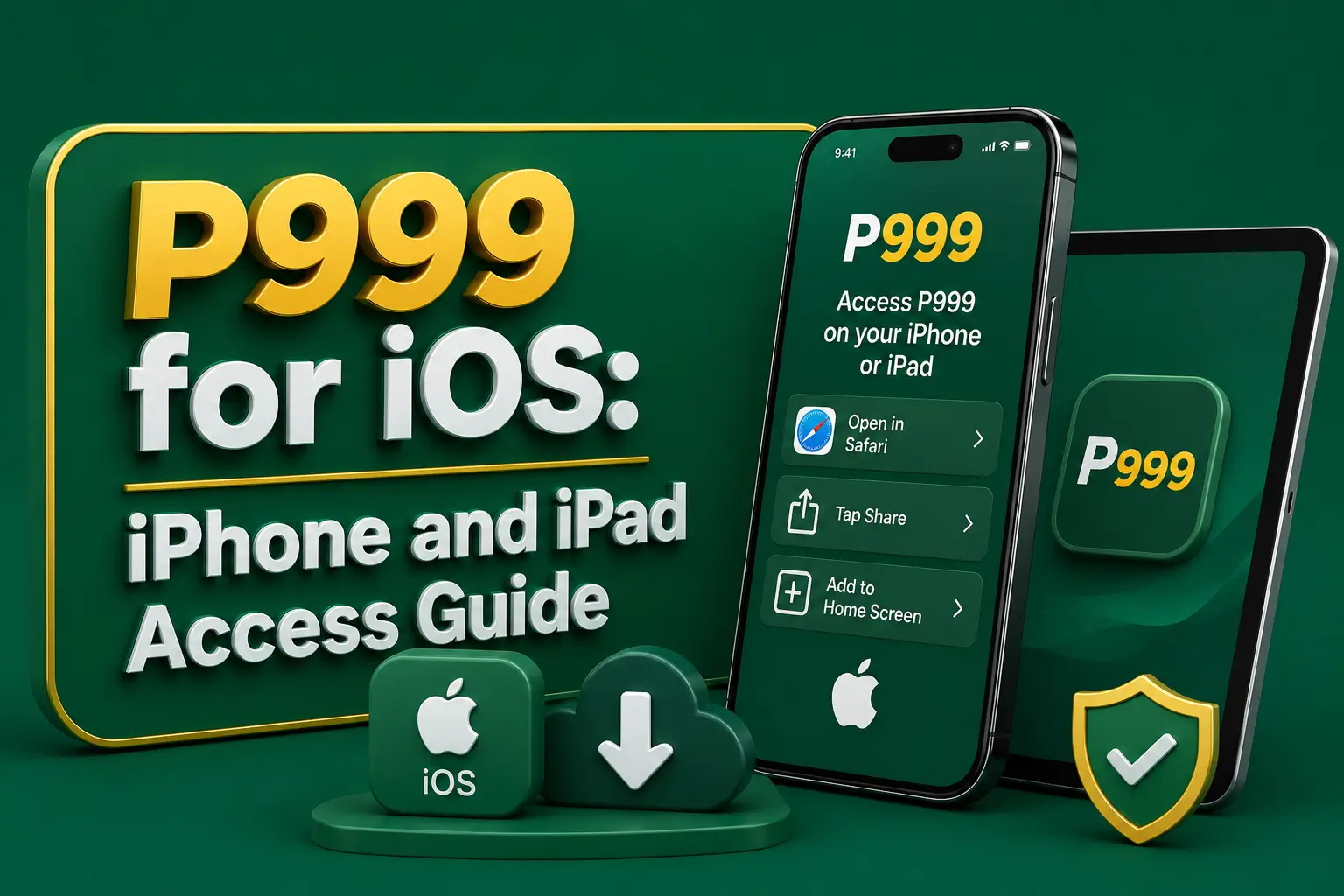
P999 iOS access works differently from Android. An iPhone or iPad cannot open the APK files that most P999 download pages offer, and a P999 iOS app has not been independently verified on the Apple App Store. That leaves two realistic routes: a browser version in Safari, or nothing at all.
This page is written by an independent guide, not by P999. It explains the safe route, the risky shortcuts that scam pages push on iPhone users, and how to undo a bad install if one has already happened.
P999 iOS availability is unclear: no native P999 app for iPhone or iPad has been independently verified on the App Store. Some pages describe Safari browser access instead. Treat any file, profile, certificate or invite that claims to be the P999 iPhone app as unverified until its publisher can be confirmed.
Same-name apps can appear in any store. A matching icon or title does not prove that a listing belongs to the platform you registered with.
| Item | What we can confirm |
|---|---|
| App Store listing | Not independently verified |
| APK on iPhone | Not possible — iOS cannot install Android files |
| Browser access | Described by some pages through Safari |
| Supported iOS version | Not published — check the platform itself |
| Cost to access | Free to open; deposits are optional and risky |
| Last updated | October 2026 |
Searches for a P999 game app download iOS APK rest on a misunderstanding. An APK is an Android package. iOS uses a completely different app format and only installs software through Apple's own channels, so an APK file simply sits in the Files app doing nothing.
The same applies to an old version. A P999 game app download iOS APK old version is still an Android file and still cannot run on an iPhone, whatever the page offering it claims. If a site insists its APK works on iOS, that alone is a reason to leave it.
Pages that cannot offer a real App Store listing sometimes push one of these instead:
A configuration profile can route your traffic, install certificates and change device settings. Only install one from an employer, school or provider you already trust.
Apple issues enterprise certificates so companies can install internal tools on staff phones. When one is misused to distribute public apps, Apple can revoke it at any time, and the app stops opening overnight. Your account balance does not disappear, but your access route does.
A configuration profile is more serious. Depending on what it contains, it can install a trusted root certificate or a VPN setting, which may let its creator see or redirect traffic from the device. That is far more access than any game should need.
TestFlight is a genuine Apple beta tool, but an invite from an unknown contact gives you no way to confirm who built the app or what it does with your login details.
Go to Settings, then General.
Scroll down and tap VPN & Device Management. On older iOS versions this may be labelled Profiles or Device Management.
Look for any profile or developer app you do not recognise or did not knowingly install for work or school.
Tap the entry and choose Remove Profile or Delete App, then enter your device passcode to confirm.
If you typed a P999 password, Apple ID password or wallet PIN while the profile was installed, change those passwords from a clean device.
Type the address yourself or use one you have already confirmed. Avoid shortened links and addresses sent by unknown agents.
Safari handles the Add to Home Screen feature most reliably. Other iOS browsers use the same engine but may place the option in a different menu.
Use the login or registration form on the confirmed page. A one-time code, if requested, should arrive by SMS to your own number.
Tap the square icon with an upward arrow at the bottom or top of Safari.
Scroll the share sheet and select Add to Home Screen. Edit the name if you wish, then tap Add.
The icon opens the same website in a full-screen view. It is a bookmark, not an installed app, and needs no profile, certificate or Apple ID change.
This web shortcut is the closest thing to a P999 game download iOS users can get safely. Removing it is as simple as pressing and holding the icon and choosing Remove Bookmark or Delete.
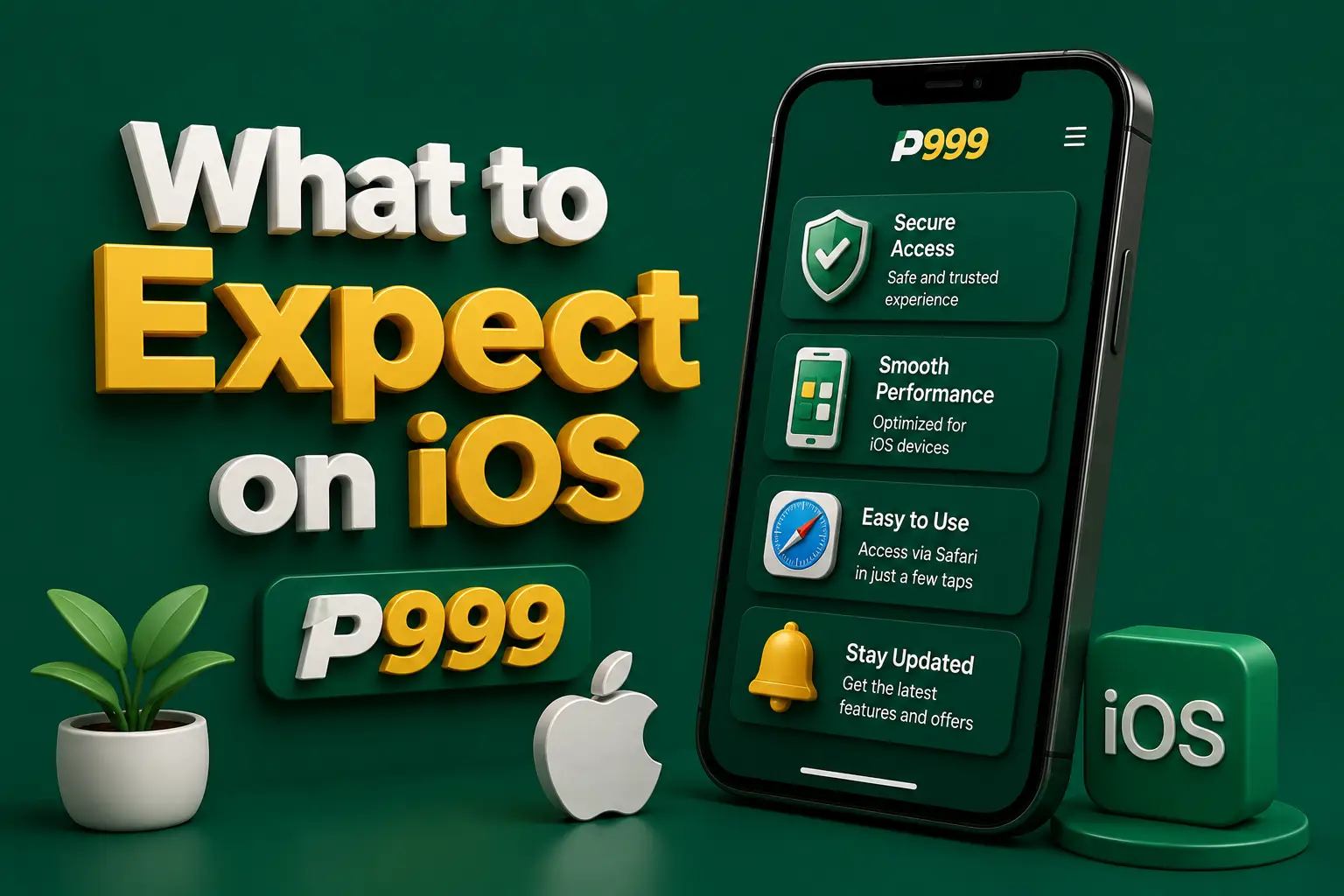
Browser games may open in portrait or landscape depending on the page. If the layout looks cramped, rotate the phone and check that Portrait Orientation Lock is off in Control Centre.
Keep iOS updated so Safari has current security fixes.
iPadOS Safari often requests the desktop version of websites by default. If the mobile layout is needed, tap the page settings icon in the address bar and choose Request Mobile Website.
The same account works on both devices, but each new device may trigger an extra security check.
| Platform | Realistic access route |
|---|---|
| iPhone and iPad | Safari browser and a home-screen shortcut; no verified App Store app |
| Android phone | APK from a verified source, with Play Protect left on |
| Windows PC or laptop | Desktop browser, or an Android emulator running the APK |
| Mac | Desktop browser; emulator support varies by Mac model |
| Main risk on iOS | Fake profiles, certificates and stranger TestFlight invites |
| Main risk on Android | Modified or fake APK files |
Use the same phone number and password you registered with. A new device or browser may ask for a fresh one-time code before showing your balance.
iOS can suggest SMS codes above the keyboard. That is convenient, but check the sender and the page before tapping it. Never read a code aloud to anyone who calls you.
Saving the password in iCloud Keychain is safer than writing it in Notes. Do not save it on a shared iPad.
Payment steps are the same as on Android. Easypaisa or JazzCash may open in their own apps to approve a transfer. Confirm the amount and recipient in the wallet app before entering your PIN.
Withdrawal rules are set by the platform, not the device. Check the limits and conditions shown in your account before requesting one.
Take a screenshot of every deposit and withdrawal confirmation. Store it in Photos until the money is confirmed in your wallet.
People searching for P999 latency on iOS usually mean a slow or freezing game. In browser play, delay often comes from a weak mobile signal, Low Data Mode, Low Power Mode or too many open Safari tabs. Try switching between Wi-Fi and mobile data, closing old tabs and turning off any VPN.
If the game freezes during a round, do not place repeated bets hoping one goes through. Wait, refresh, and check your bet history before acting again.
No P999 app for iPhone or iPad has been independently verified on the App Store. Some pages describe browser access through Safari instead. Anything offered outside the App Store, such as a profile, certificate or stranger's TestFlight invite, should be treated as unverified and potentially unsafe.
No. APK files are built for Android and iOS cannot open or install them at all. This applies to every version, including older builds. A website claiming its APK works on iPhone is either mistaken or trying to push you towards a profile or certificate instead.
Open the confirmed website in Safari, tap the Share button, choose Add to Home Screen and tap Add. The icon opens the site full-screen. It is only a bookmark, so it installs nothing and can be removed by pressing and holding the icon.
Trusting an unknown enterprise developer gives software a path onto your device that Apple has not reviewed. Such certificates are often revoked, breaking the app without warning. Unless the developer is your own employer or school, decline and delete the app from VPN & Device Management.
Go to Settings, General, VPN & Device Management. Tap the profile you do not recognise, choose Remove Profile and enter your passcode. Afterwards, change any passwords or PINs you typed while it was installed, ideally from a different device you trust.
Where browser access is available, it should open in iPad Safari the same way it does on iPhone. iPad Safari may load the desktop layout by default, which you can switch using Request Mobile Website. The same account works, though a new device may trigger extra verification.
Payment methods are set by the platform, not by your phone, so the options shown in your account are what count. Wallet approval usually happens inside the Easypaisa or JazzCash app. Check the amount and recipient before entering your PIN, and keep a screenshot of the receipt.
P999 on iOS means browser access, not an installed app. No APK will ever run on an iPhone, and no App Store listing has been verified, so a Safari shortcut is the cleanest option where browser play is offered.
Refuse profiles, enterprise certificates and TestFlight invites from strangers. If one is already on your device, remove it and change your passwords. Real-money play is for adults only and can lose money.
The steps that usually follow this one.
Learn how login and one-time codes work before you use P999 in Safari.