
P999 Link: Finding and Checking the Real Game Link
A link can look right and still lead somewhere else. Learning to read the address takes a minute and protects your login, balance and payment details.
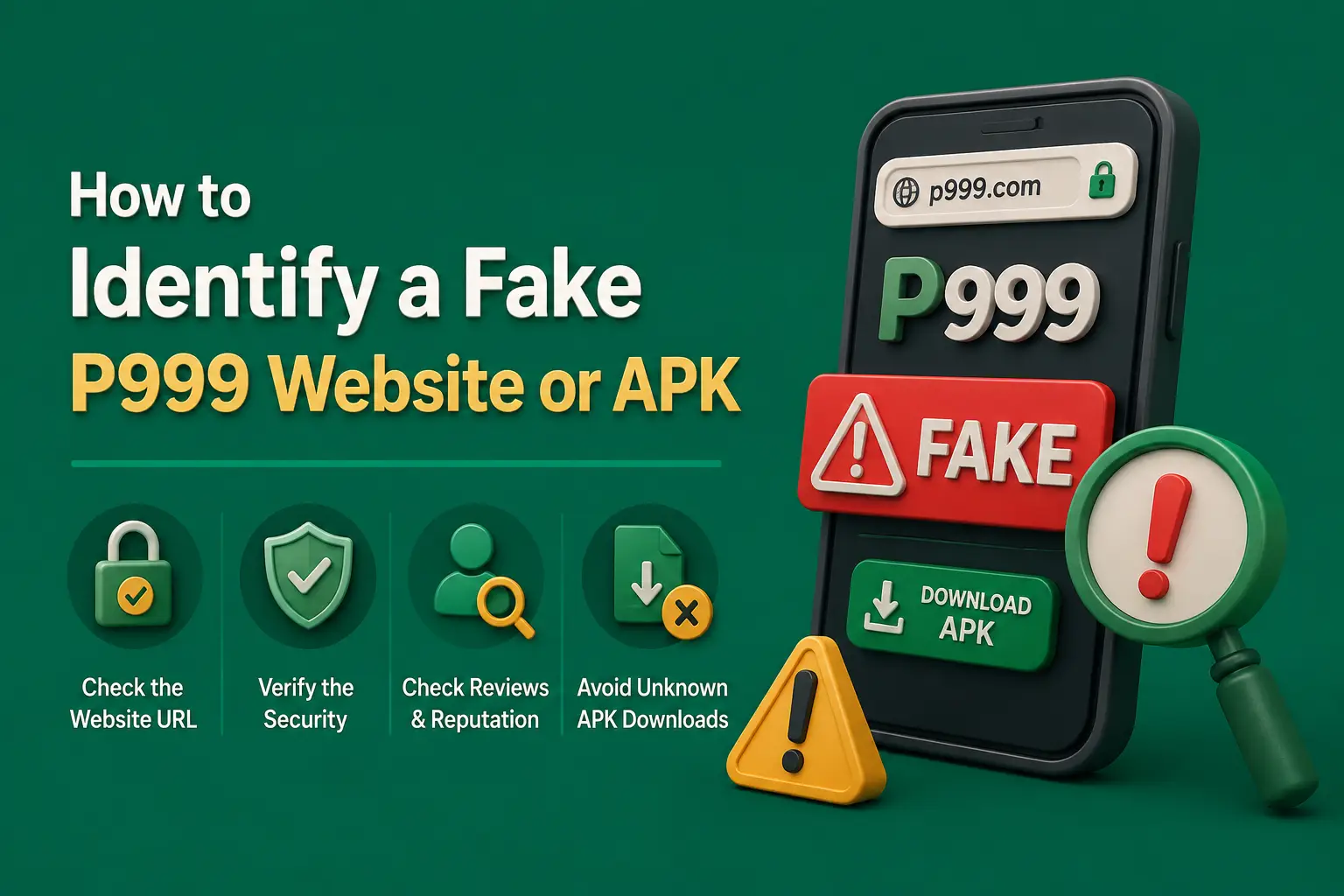
Most people reach P999 through a link: a referral from a friend, a message in a group, a video description or a search result. Each P999 link can point to the service where accounts are actually held, or to a copy built to collect passwords and deposits.
This guide does not hand you a link. It shows you how to read any P999 game link yourself, so you can decide whether it matches the address you registered on.
How Do You Find the Real P999 Link?
The real P999 link is the one that matches the address inside the app or website where your account was created. Check the domain name letter by letter, confirm it uses HTTPS, and save it as a bookmark. Ignore links from strangers, and never pay or share an OTP to receive one.
This guide is independent and cannot certify any domain as official. Several sites use the P999 name, so matching against your own account is the most reliable test.
P999 Game Link: Quick Facts
| Question | Short answer |
|---|---|
| Single official link published here? | No — this independent guide does not certify any domain |
| Do links change? | They can — mirror domains appear when addresses are blocked |
| Are referral links normal? | Yes, but they should never ask for payment |
| Safe to use shortened links? | Only after expanding them to see the real domain |
| Best habit | Bookmark the address you registered on |
| Last updated | October 2026 |
Key Takeaways
- The real P999 link is the one matching the address inside the app or website where your account was created.
- This independent guide does not certify any domain as official, because several sites use the P999 name.
- Read a P999 link's domain right to left and check for look-alike characters such as 0 for o.
- Expand shortened links before tapping, and bookmark the address you registered on.
- Genuine referral links never ask for payment, and nobody should need your OTP to send you a link.
How P999 Links Get Shared
Referral Links
A referral link usually adds a code to the end of the address, such as a question mark followed by code or invite and a string of characters. The domain before that part is what matters.
Mirror Domains
When an address is blocked or changes, new domains can appear with similar names. Some are genuine replacements; others are copies taking advantage of the confusion.
Shortened Links
Link shorteners hide the destination. A short link in a comment or chat could lead anywhere, including a fake login page.
Download Links
A P999 game link for an APK may point straight to a file. If it comes from an unfamiliar domain, the file may be repackaged.
How to Read a P999 Link Before Tapping
Find the Domain
The domain is the part after the https prefix and before the first single slash. Everything after that slash is the path, which anyone can write to include the word P999.
Read the Domain From Right to Left
The last two parts decide who controls the site. A name like p999 followed by a dot and another word in the middle of a longer address may be a subdomain of something unrelated.
Look for Look-Alike Characters
Copycat links swap characters that look similar at a glance:
- The digit 0 in place of the letter o
- A capital I or the digit 1 in place of a lowercase l
- rn in place of m
- An extra or missing 9
- An added word such as login, bonus or vip before the dot
Check the Ending
Typos in the ending are common traps. People regularly search for addresses such as p999.con, p999.vom or p999.cim after mistyping .com. Typo domains like these may be registered by anyone, so never assume one leads to the same service.
Expand Short Links
Press and hold a link to preview it without opening it. If you still cannot see the real domain, do not open it.
Checking HTTPS and Certificate Basics
- The address starts with https and the browser shows a lock or tune icon.
- There is no browser warning about an unsafe or invalid certificate.
- Tapping the lock shows the same domain you expected.
- You remember that HTTPS only means the connection is encrypted, not that the site is honest.
- The site has legal pages and support details that match what you saw in the app.
Bookmark the Address You Registered On
The safest P999 official website for you is the one where your account already works. Once you have signed in successfully, bookmark that page or add it to your home screen. Use the bookmark every time instead of searching again or tapping new links.
If someone sends a different address, compare it with your bookmark. If the domain differs, treat it as a separate site until proven otherwise.
Referral Links Are Normal. These Requests Are Not.
A link shared by a friend is fine to check. Stop if the person or page asks for:
- A fee to send you the "real" link
- Your OTP or password to activate the link
- A deposit to a personal Easypaisa or JazzCash number
- Installing a separate app before you can open the link
- Your identity documents through chat
Genuine referral codes are added to a link for free. Payment requests attached to links are a scam pattern.
What to Do If a P999 Link Stopped Working
- Check your internet connection and try another network.
- Try your saved bookmark rather than a search result.
- Open the installed app, which may still connect normally.
- Look for an announcement inside the app about a changed address.
- Do not trust a new link from a stranger who contacts you first.
- Ask support through contact details shown inside the verified app.
Frequently Asked Questions
This independent guide cannot certify any single domain as official, because several sites use the P999 name. The reliable test is to match the address with the one inside the app or site where your account was created and works. Bookmark that address and use it every time.
A referral link is normal and usually adds a code after the domain. Check that the domain itself is the one you expect. It is not safe if the person sharing it asks for a fee, an OTP, your password or a deposit to a personal wallet before you can use it.
Addresses can change when a domain is blocked or the operator moves to a mirror. That same confusion lets copycats push their own links. Rely on announcements inside the app you already use rather than new links sent by strangers or posted in comments.
No. Those are typing mistakes for .com and can be registered by anyone. A typo domain may show an error, an advert or a fake login page. If you notice a typo in the address bar, close the page and use your saved bookmark instead.
No. HTTPS means the connection between you and the site is encrypted. Fake sites can get certificates too. Use HTTPS as a minimum requirement, then check the domain spelling, legal pages and support details against what you see in your registered app.
Use the download source tied to the account you registered, or the link shown inside the verified app. Avoid APK links shared in groups or comments, especially from domains you do not recognise, as repackaged files are a common way to steal login details.
Conclusion
Every P999 link deserves a quick read: find the domain, check each character, expand short links and confirm HTTPS before you sign in.
Bookmark the address where your account works, ignore links that come with payment or OTP requests, and treat any new domain as unverified until you can match it.
Related guides
Neighbouring problems that tend to arrive together.
P999 Play Protect Warning: What It Means and What to Do
Not every Play Protect message means the same thing. Here is how to tell a routine unknown-app prompt from a harmful app verdict, and how to check a P999 APK properly.
P999 Game Download Play Store: Is the Real-Money App Really There?
Searching Google Play for P999 brings up same-name apps, but the real-money platform is unlikely to be one of them. Here is how to read a listing before you install it.
P999 Aviator Predictor: Why Signals and Predictor Apps Fail
No predictor app or signal group can tell you where the next Aviator round will stop. Here is how these schemes make money from players instead.