
P999 Game Download APK Old Version: Risks and Safer Options
An older P999 build can look like a quick fix when the new one misbehaves. In practice it often brings new problems, and some old-version files are not what they claim to be.
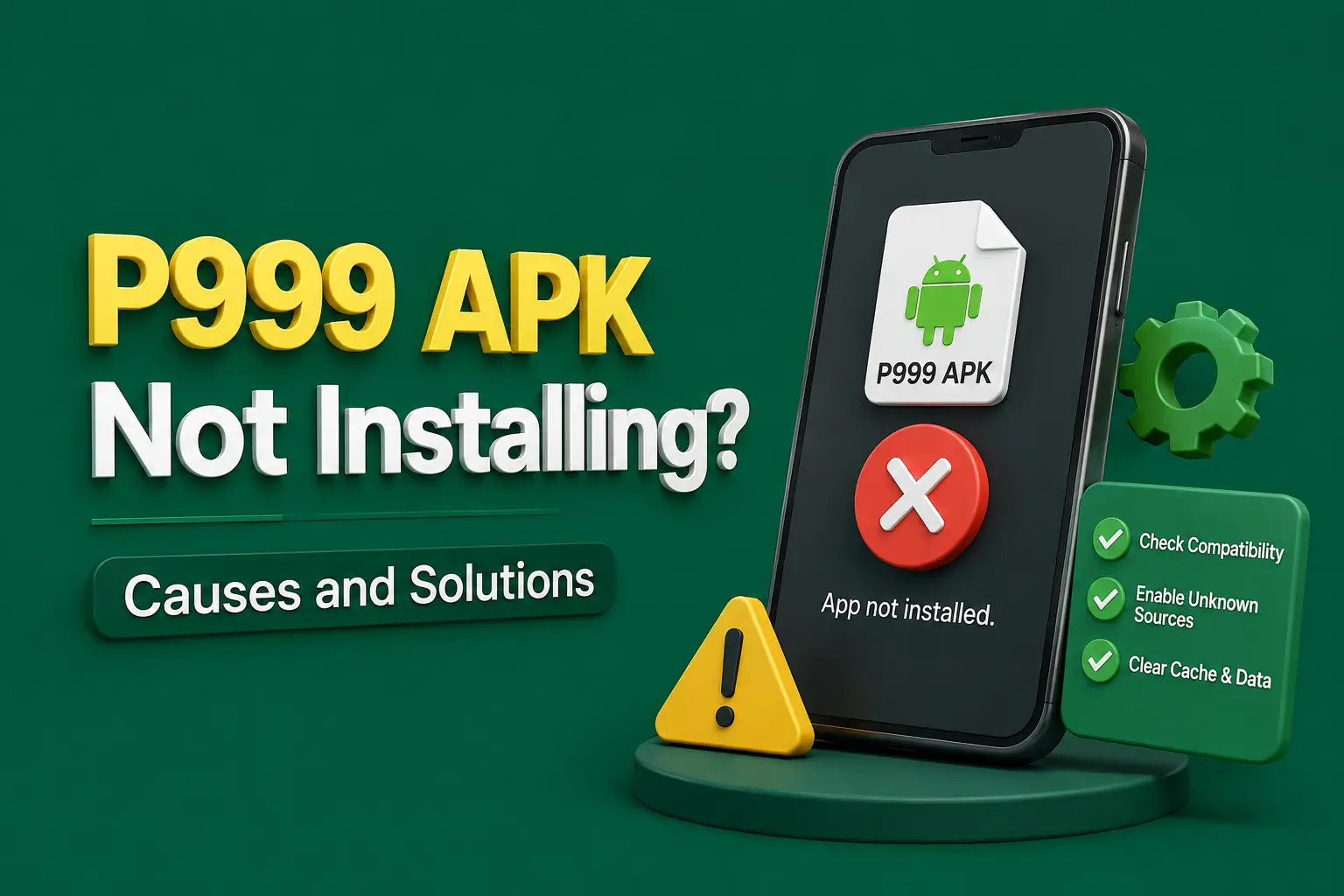
Searches for a P999 game download APK old version usually start the same way: a new update crashes, the phone feels too slow, or the app stopped opening after an automatic update. Going back to the build that used to work seems logical.
This guide explains why that rarely works as hoped, what risks come with old APK files from mirror sites, and which fixes are worth trying before you downgrade anything.
Is It Safe to Download an Old Version of the P999 APK?
A P999 old version APK is usually not a safe or lasting fix. Old builds miss security fixes, the server may refuse to connect to them, and many files labelled as old versions on mirror sites are repackaged. Fixing the current version or reinstalling the latest build is normally the better path.
There are rare cases where an older build installs and runs for a while. Even then, it may stop working without warning once the platform changes something on its side.
P999 Old Version: Quick Facts
| Question | Short answer |
|---|---|
| Old version number list | Not published — check the version inside your installed app |
| Works with current servers? | Not guaranteed — outdated builds may be rejected |
| Installs over a newer version? | Usually no — Android blocks most downgrades |
| Available for iPhone? | No — iOS cannot install APK files of any version |
| Main risk | Missing security fixes and repackaged files |
| Last updated | October 2026 |
Key Takeaways
- A P999 old version APK is rarely a lasting fix, because old builds miss security fixes and servers may reject them.
- Android usually blocks installing an older P999 version over a newer one, showing an App not installed message.
- Many old-version files on mirror sites are repackaged with adware or data-stealing code, and anyone can rename an APK.
- A different signing key means the old file was not built by the same developer as your installed app.
- Fixing or reinstalling the current P999 build is normally safer than downgrading, and no APK version runs on iPhone.
Why People Look for the P999 Old Version
The New Update Crashes
The most common reason. The app closes on launch or freezes in the lobby after updating. This is often caused by leftover cache or an outdated system component rather than the update itself.
The Phone Is Too Old
A newer build may require a more recent Android version than the phone supports, or simply run slowly on limited memory.
A Feature Changed
Sometimes the layout or a menu moves and the older look feels easier. That is a comfort issue, not a reason to accept security risks.
Storage Is Full
Some people assume an older build is smaller. File size varies between versions and is not a reliable reason to downgrade.
Risks of Installing a P999 Old Version APK
Before downloading any older build, understand what can go wrong:
- Missing security fixes that protect logins and payment screens
- The server rejecting outdated builds, leading to login or connection errors
- "App not installed" when trying to install an older file over a newer one
- A signature mismatch if the old file was signed by someone else
- Repackaged APKs on mirror sites that add adware or data-stealing code
- Fake "old version" pages that collect your login details
- Lost saved settings if you uninstall to force the downgrade
A file name that says "old version" proves nothing about who built it. Anyone can rename an APK.
Why Downgrading Shows "App Not Installed"
Android normally refuses to install a lower version on top of a higher one. It also refuses any file whose signing key differs from the installed app. Either case produces the same short message, so it is easy to misread.
If a mirror site's old version installs only after you uninstall the current app, ask why. A different signature means it was not built by the same developer as the version you had.
How to Check Android Compatibility First
Find Your Android Version
Open Settings, then About phone, then Software information or Android version. Note the number.
Check the Installed P999 Version
Open Settings, then Apps, then P999, then App info. The version is listed near the bottom of the screen.
Check Free Storage and Memory
Low storage and low RAM cause many crashes that look like version problems. Free up space before blaming the build.
Compare With the Download Page
Look for any stated minimum Android requirement on the trusted page you normally download from. If your phone is below it, an old build will not fix the underlying limitation for long.
Safer Alternatives to an Old Version
Try these on the current build before downgrading:
- Restart the phone and reopen the app.
- Clear the P999 app cache (not data) in Settings > Apps > P999 > Storage.
- Update Android System WebView and Google Chrome from the Play Store.
- Free at least a few hundred megabytes of storage.
- Turn off battery saver and data saver for a test.
- Reinstall the latest build from the source you registered with, after noting your login details.
If You Still Decide to Use an Older Build
This is not recommended, but if you go ahead, reduce the risk:
- Write down your username, registered mobile number and password first.
- Only use a file from the same source as your original install, so the signature matches.
- Never install a file that asks you to uninstall first and then requests extra permissions.
- Keep Play Protect switched on and read any warning it shows.
- Do not enter payment details if the app looks or behaves differently.
- Move back to the latest build as soon as possible.
P999 Game App Download iOS APK Old Version
There is no such thing as an iOS old version APK. iPhones and iPads cannot install APK files at all, old or new. Any page offering an "iOS APK old version" is either confused or trying to get you to install a profile or app from outside the App Store.
iPhone users who have trouble with a web app or shortcut should clear Safari website data for that address and add it to the home screen again rather than searching for old files.
Frequently Asked Questions
Rarely. Old builds miss security fixes and may be rejected by the server. Files labelled as old versions on mirror or wiki-style sites can be repackaged. Fixing cache, WebView and storage problems on the current version, or reinstalling the latest build, is the safer route for most people.
Android blocks installing a lower version over a higher one and blocks files signed with a different key. Both show the same message. If the old file only installs after uninstalling, its signature differs, which suggests it did not come from the same developer as your original app.
Your balance is normally held on the platform's account, not inside the APK. The bigger risk is a fake build that captures your login. Note your details, use only a trusted file, and check your balance and transaction history through the genuine app afterwards.
No. iOS cannot install APK files, so there is no old version APK for iPhone. Pages that offer one may push configuration profiles or unofficial apps. Treat them as unsafe and avoid installing anything outside the App Store on that basis.
It usually means the most recent build before an update that caused trouble. No reliable public archive lists P999 versions, so any site claiming to host every past build should be treated with caution. Check the version inside your own installed app instead.
First free storage, clear cache and update WebView, as many slow-phone problems come from these. If the phone truly cannot meet the current requirement, an old build is only a temporary workaround. Using a supported device is the longer-term solution.
Conclusion
Downloading a P999 old version APK feels like a shortcut, but it trades one problem for several: blocked installs, server rejections and the real chance of a tampered file.
Fix the current build first, reinstall the latest version from your trusted source if needed, and keep your login details safe before changing anything.
Related guides
Neighbouring problems that tend to arrive together.
P999 System Requirements: Check Your Phone Before You Download
P999 does not publish official system requirements. Here is how to check whether your Android phone is likely to cope before you download, and what to do if it struggles.
P999 App Stuck on Loading Screen? Easy Fixes to Try
P999 stuck on the logo or the lobby keeps spinning? Work through the network, cache, storage and settings checks before you reinstall anything.
P999 App Showing Server Error? Troubleshooting Guide
P999 says server error on login, wallet or games? Find out whether it is your network, the app or the platform before reinstalling anything.